
Where to use ONEcard
You can load funds to your ONEcard and use it for both on-campus services and off-campus vendors. This offers more variety and convenience than an ordinary meal plan. Check out all of the great places you can use your ONEcard by campus location!
ONEcard vendors by campus
Select a campus location below to explore where you can use your Georgian College ONEcard.

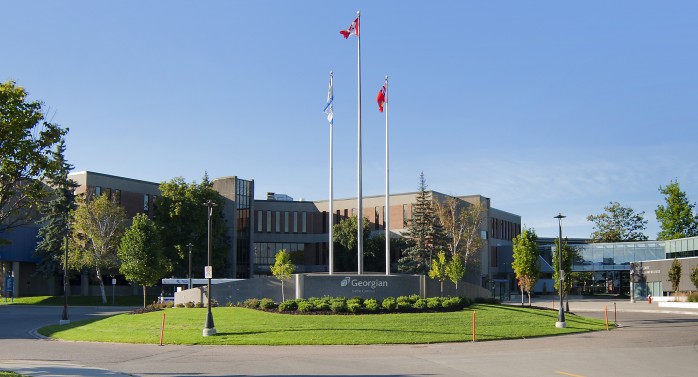
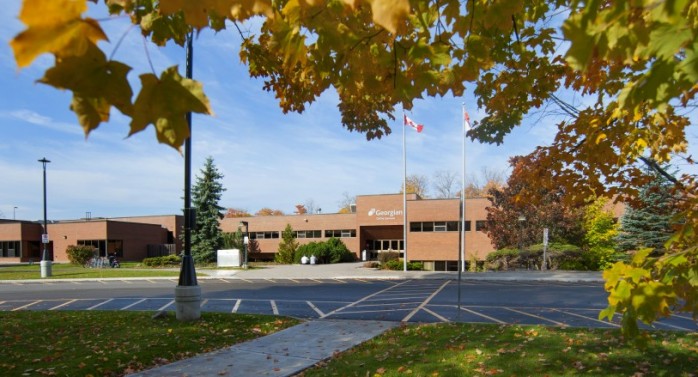
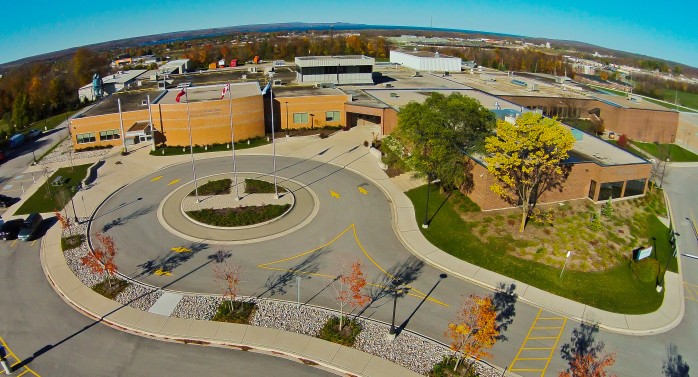
All campuses
Vendors
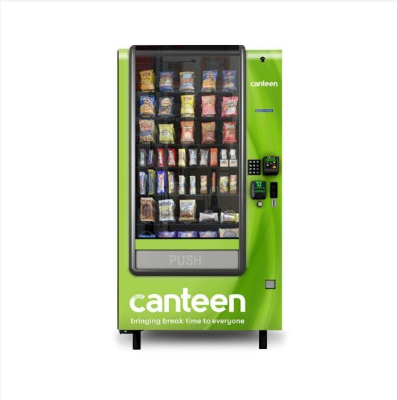
Canteen Vending
Swipe your ONEcard at any on-campus food or beverage vending machine to buy drinks and snacks with your Flex $$$ balance.
Georgian FoodLocker Donation
To donate to the Georgian Foodlocker using your ONEcard, follow the steps below:
- Login to your ONEcard account
- Click Purchase Services
- Select the campus you would like to donate to, then click OneCard
- Click Purchase
*Note: These donations are not eligible for a tax receipt.

Skip the Dishes
Students can purchase Skip the Dishes gift cards at 5% off. To order Skip gift cards:
- Login to your ONEcard account
- Click Purchase Services
- Select Skip the Dishes Gift Card, then click OneCard
- Click Purchase
*Note: Gift cards will be delivered to your Georgian College email account 1-2 business days after purchase.
For more information, please see the Skip the Dishes Gift Card FAQs

PaperCut
Registered students with an active account can use their ONEcard to release their print jobs from any student printer on campus.
Barrie Campus
On campus

Athletics and Fitness Centre
Accepts ONEcard as a method of payment.
Use your ONEcard as your pass for the Athletics and Fitness Centre, to borrow equipment and check-in to events.
Activate your membership here. Please note: full-time student fees must be paid before activating your membership.

Bun on the Run and Georgian Dining Room
Accepts ONEcard as a method of payment.
Georgian College students receive a 25 per cent discount on meals purchased at the Georgian Dining Room.

MarketPlace, Subway and Tim Hortons
Accepts ONEcard as a method of payment.
Buy food at Subway and the MarketPlace on the second floor of C building and Tim Hortons in C and M buildings.
Please check the Dine on Campus page for the latest information about restaurant availability.


Design and Visual Arts
Accepts ONEcard as a method of payment.
Use your ONEcard to purchase supplies for Jewellery and Metals, and Fine Arts programs.


Georgian College Students’ Association (GCSA)
Accepts ONEcard as a method of payment.
Purchase tickets for GCSA events and more.

Georgian Stores
Accepts ONEcard as a method of payment.
Avoid transaction fees and daily purchase limits by using your ONEcard to buy all of your books and supplies.
*ONEcard cannot be used for online bookstore purchases.

Good Food Box
Accepts ONEcard as a method of payment.
Order your monthly Good Food Box online through your ONEcard account. Check out the instructions on MyGCLife for more details.

Library and Learning Services
Use your ONEcard to sign out materials or release your print jobs.
For printing questions, check out the FAQs.

Tech on the Go
Georgian is offering free, short-term loaner laptops, dispensed through automated machines. Tech on the GO laptops are meant for on-campus, emergency use and must be returned within 24 hours.
To borrow or return a laptop:
- follow the prompts
- scan your active plastic ONEcard
- remove or return your laptop
Off campus
Barrie Transit
The UPass offers unlimited rides on Barrie City Transit for Barrie campus students who are registered in a full-time course load.
If you don’t have your plastic ONEcard yet, be sure to request it now.
Check out the UPass FAQs for more information.




Montana’s
407 Cundles Rd. E., Barrie
Accepts ONEcard as a method of payment.
Show your ONEcard to enjoy any half price appetizer with the purchase of any beverage after 9 p.m. Limit one appetizer per beverage.
Orillia Campus
On campus
Athletics and Fitness Centre
Accepts ONEcard as a method of payment.
Use your ONEcard as your pass for the Athletics and Fitness Centre, to borrow equipment and check into events.

MarketPlace and Tim Hortons
Please check the Dine on Campus page for the most up to date information about restaurant availability.
Georgian College Students’ Association (GCSA)
Accepts ONEcard as a method of payment.
Purchase tickets for GCSA events and more.
Library and Learning services
Use your ONEcard to sign out materials or release your print jobs.
For printing questions, check out the FAQs.
Tech on the Go
To borrow or return a laptop:
- follow the prompts
- scan your active plastic ONEcard
- remove or return your laptop
Georgian is offering free, short-term loaner laptops, dispensed through automated machines. Tech on the GO laptops are meant for on-campus, emergency use and must be returned within 24 hours.
Owen Sound Campus
On campus
Athletics and Fitness Centre
Use your ONEcard as your pass for the Athletics and Fitness Centre.
Activate your membership here. Please note: full-time student fees must be paid before activating your membership.

MarketPlace
Accepts ONEcard as a method of payment.
Fill your stomach and fuel your brain at the MarketPlace in the cafeteria.
Please check the Dine on Campus page for the most up to date information about restaurant availability.
Georgian College Students’ Association (GCSA)
Accepts ONEcard as a method of payment.
Purchase tickets for GCSA events and more.
Georgian Stores
Accepts ONEcard as a method of payment.
Avoid transaction fees and daily purchase limits by using your ONEcard to buy all of your books and supplies.
*ONEcard cannot be used for online bookstore purchases.
Library and Learning services
Use your ONEcard to sign out materials or release your print jobs.
For printing questions, check out the FAQs.
Tech on the Go
Georgian is offering free, short-term loaner laptops, dispensed through automated machines. Tech on the GO laptops are meant for on-campus, emergency use and must be returned within 24 hours.
To borrow or return a laptop:
- follow the prompts
- scan your active plastic ONEcard
- remove or return your laptop

Skip the Dishes Gift Card FAQs
Login to your ONEcard account, then go to Purchase Services, then select Skip the Dishes Gift Card. Your ONEcard Flex $$$ will be used as the method of payment. Check out the How to load money to your ONEcard section of our website for a complete list of options for adding money to your Flex $$$ account.
Gift cards will be emailed to your Georgian College email account 1-2 business days after purchase.
Gift cards will be emailed to your Georgian College email account 1-2 business days after purchase.
- Download the Skip mobile app or visit skipcanada.com.
- Sign in or create an account, ensuring that you add a credit card to your account.
- In the mobile app, tap on the profile icon and select Gift Cards. On your desktop, click the profile icon in the top right corner and select View Account, then Gift Cards.
- Enter your redemption code in the Claim Code field.
- Select Redeem and the credits will be applied directly to your Skip account!
Skip the Dishes puts a temporary hold on your credit card while the order is being processed. For more information about this, please contact support@skipthedishes.ca.
For assistance with gift card issues, please contact Skip the Dishes.
- In the app: Select your Profile, then select Need Help? to get in touch with a live representative.
- Via email: support@skipthedishes.ca
As per the Consumer Protection Act, your gift card does not have an expiry date.
Contact us

Student Operations – ONEcard Services
Location:
J Building – Athletic & Fitness Centre (Front Desk)
Barrie Campus
Office Hours (Inquiries):
Monday to Friday: 10 a.m. to 5:30 p.m.
ONEcard Pickup:
Monday to Friday: 8 a.m. to 8 p.m.
Saturday & Sunday: 12:30 p.m. to 4 p.m.
Create a MyGCLife ticket